Create a New jControls Project
To create a new project as more of a blank slate, use the
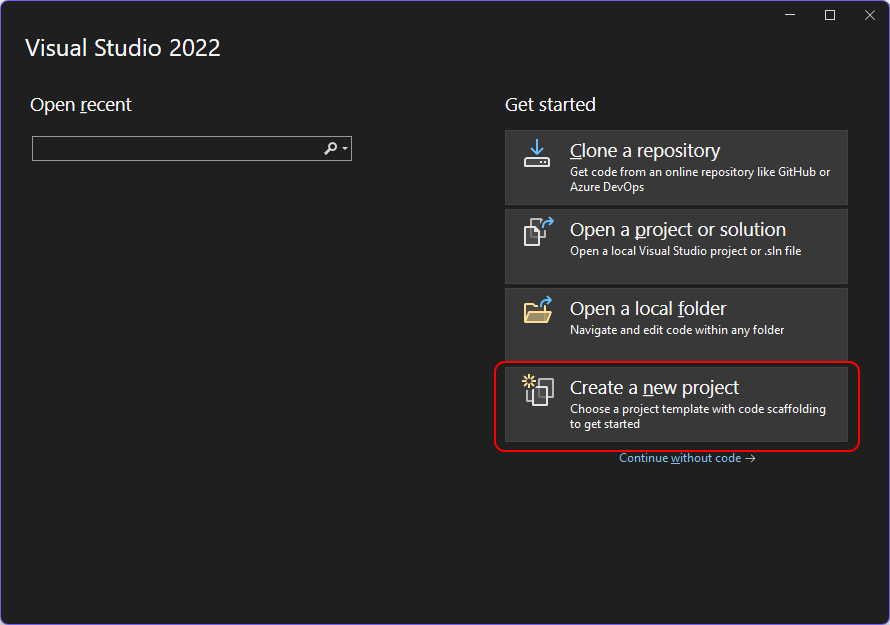
- Open Visual Studio to start the new project wizard.
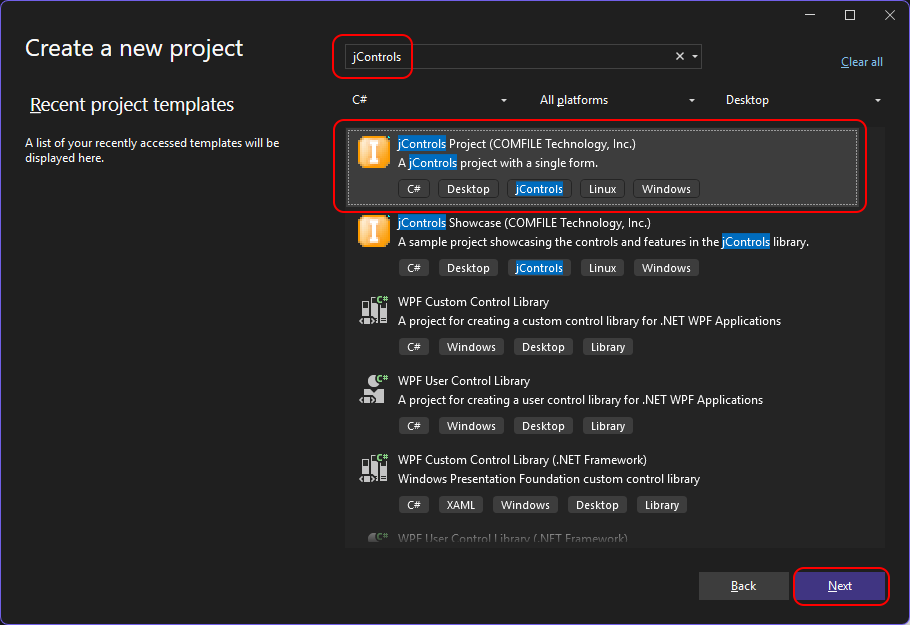
- Select the jControls Project template.
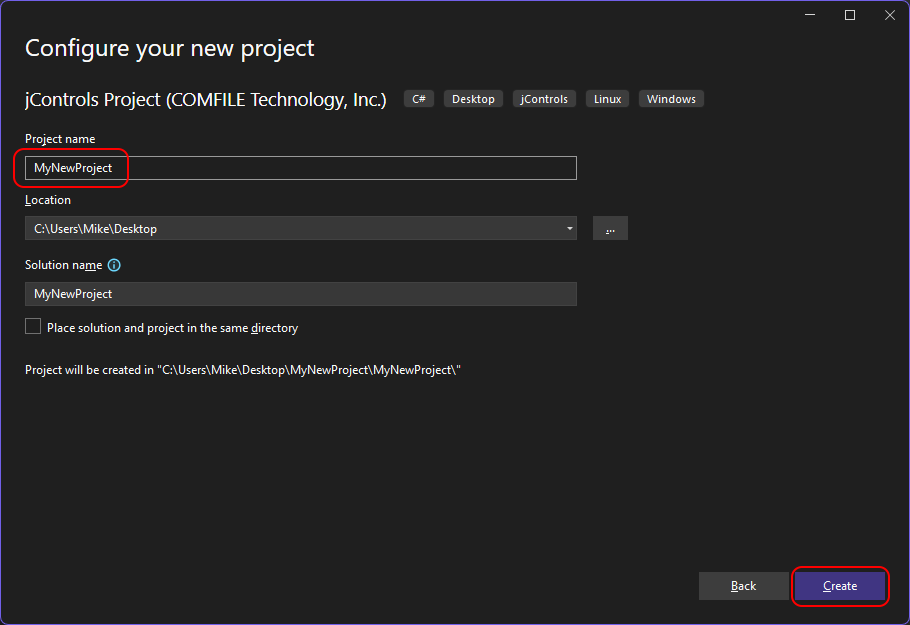
- Give the project a name and create it.
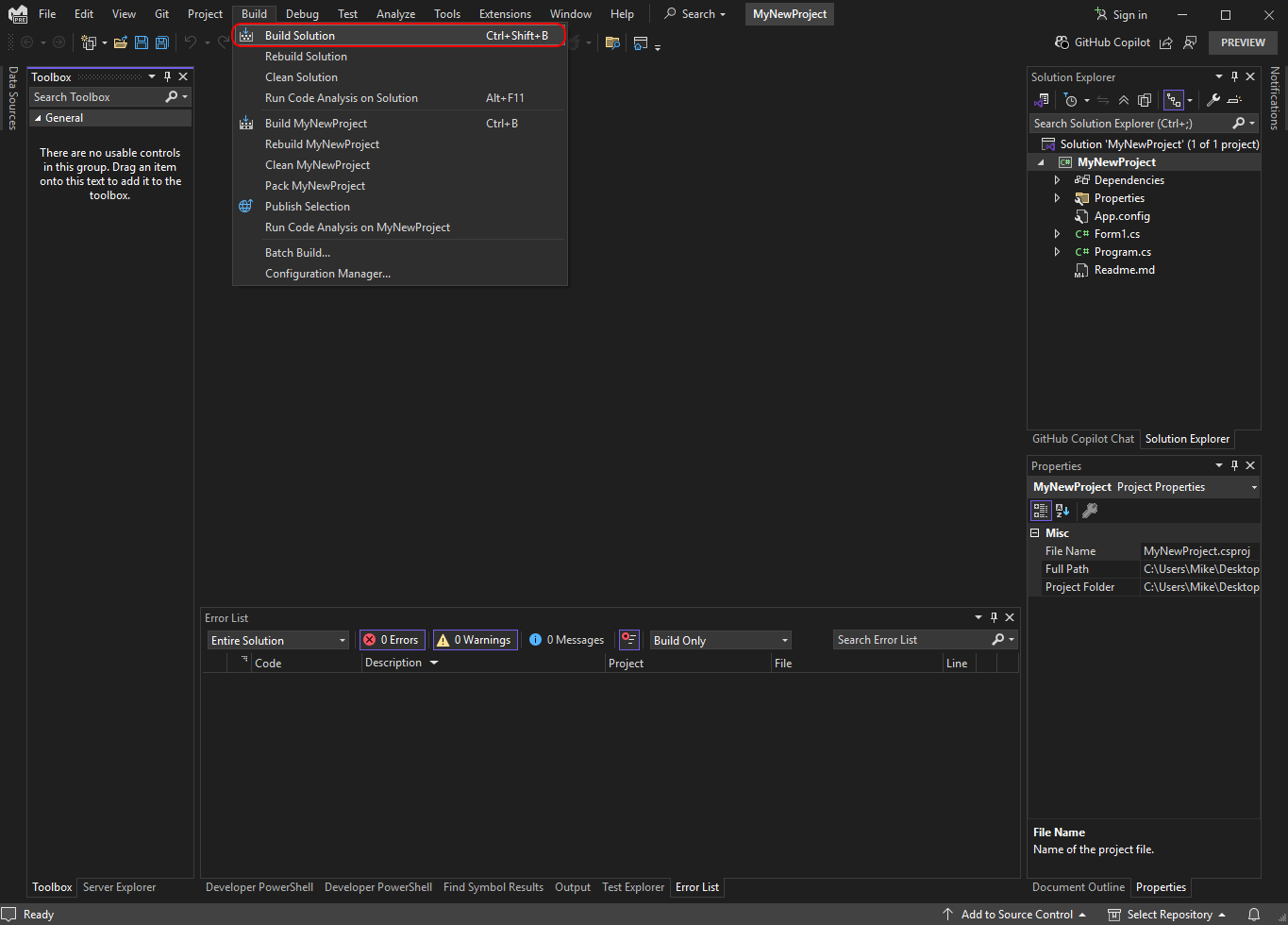
- Build the project before interacting with it.
- Select Form1 and expand the ComfileTech.jControls toolbox.
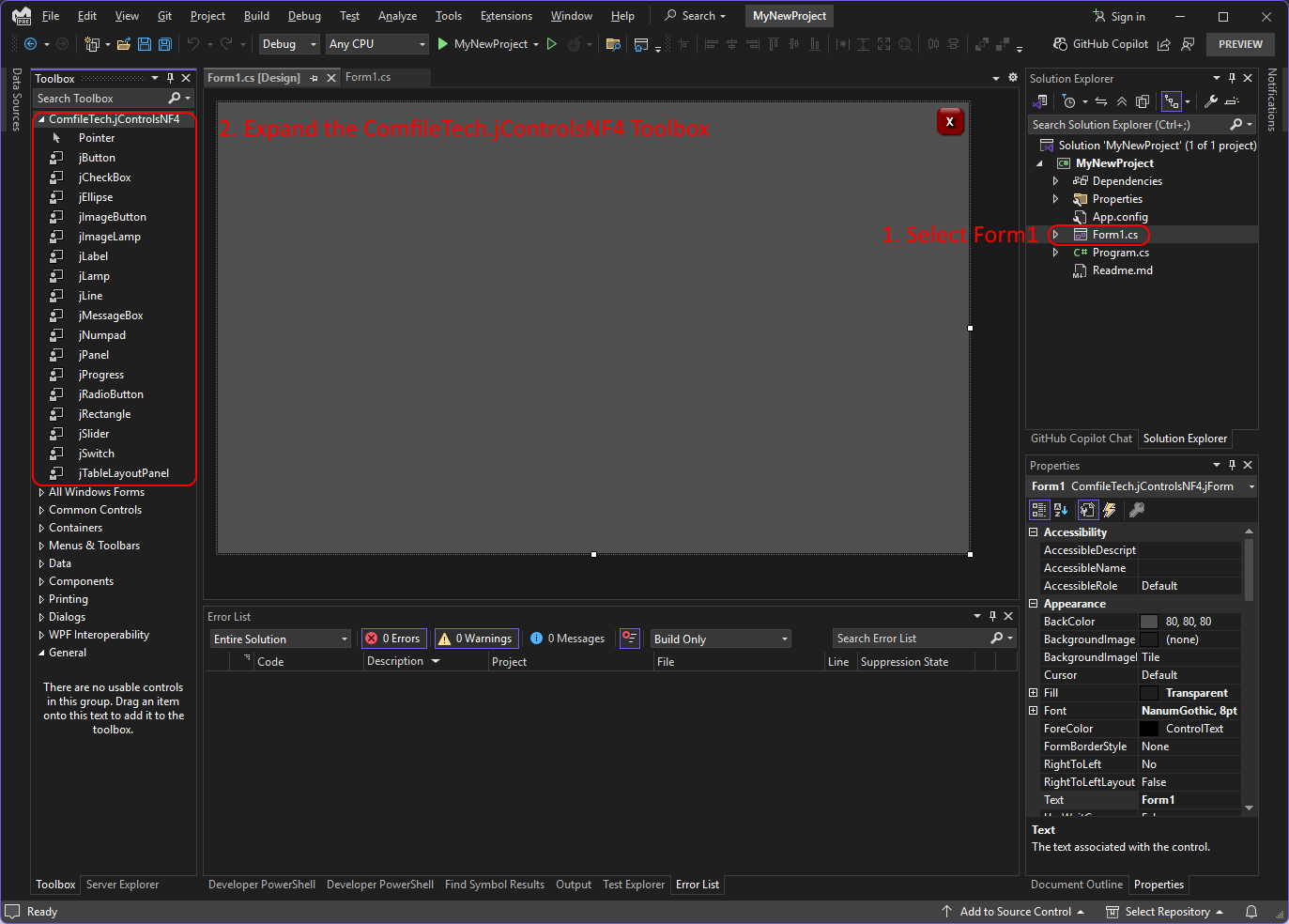
- Add controls to the form from the toolbox and edit their properties. Then run the program.


