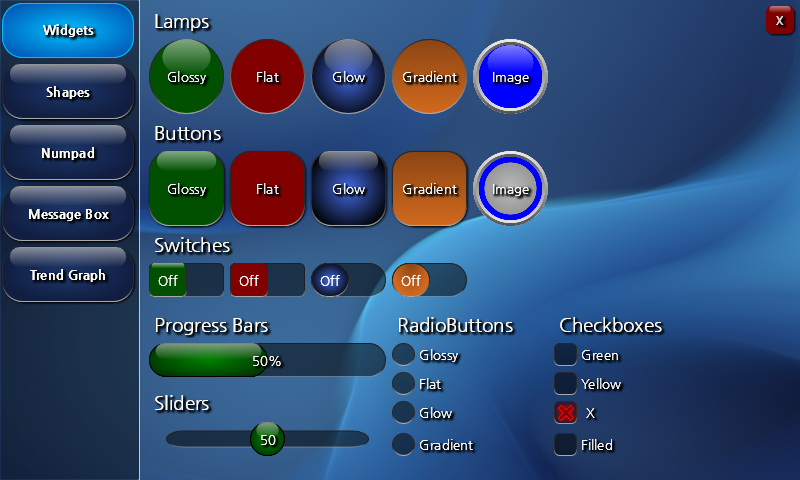
Create a jControlsNF4 Showcase Demo Project
After installing the project templates from COMFILE Technology's Nuget feed, as described in Setting up a Development Environment, you will find several project templates to help you get started. One is the jControls NF4 Showcase project template. It serves as a demonstration of the many controls in the jControls NF4 library, while also providing a convenient way to try out the library and become familiar with its features.
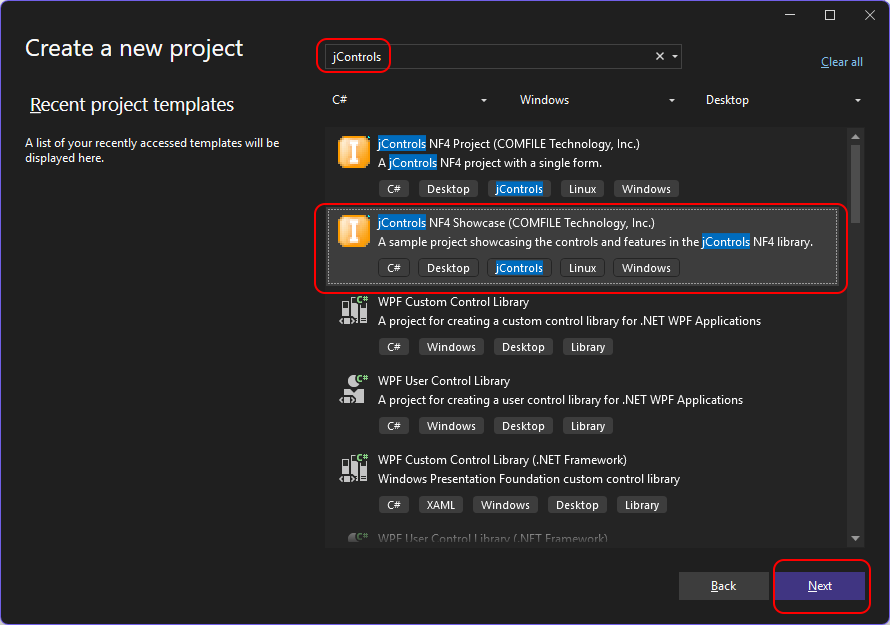
- Open Visual Studio and you'll be presented with the new project wizard.

- Find and select the jControls NF4 Showcase project template.
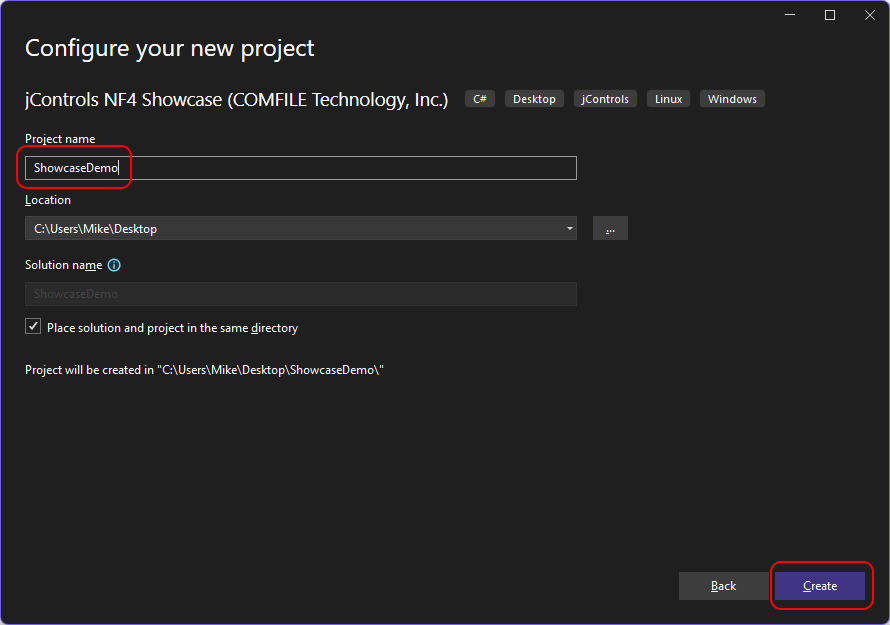
- Give the project a name and create it.
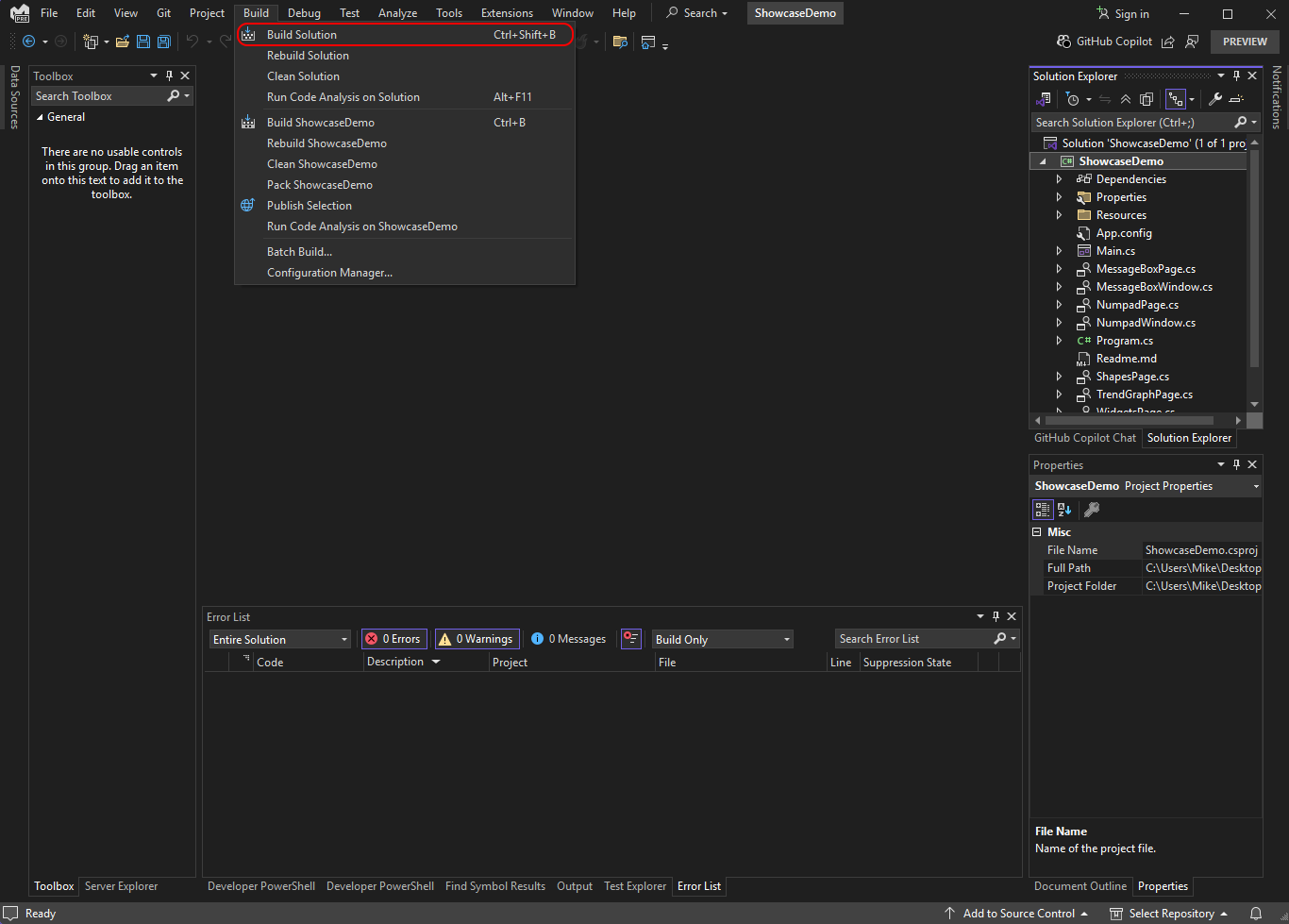
- Build the project.
- Select the Main form to open the project in the Visual Studio designer.

- Run the project from within Visual Studio.

- You should then see the program appear in the middle of the screen. Feel free to interact with it.