
Table of Contents
Gloss and Drop Shadow
Many jControls have additional properties to introduce lighting effects, namely Gloss and DropShadow. Gloss is unique to fills, but DropShadow can be applied to fills and borders.
Gloss Property
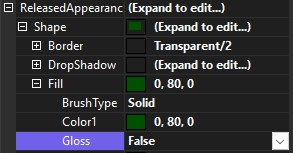
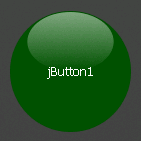
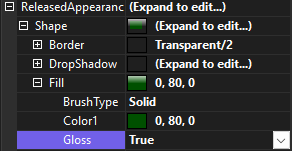
The Gloss property creates the appearance of a glossy finish.
 |  |
 |  |
DropShadow Property
The DropShadow property creates the illusion of a control rising slightly off the surface, and therefore casting a shadow. It can be applied independently to a control's shape and/or text.
 |  |
 |  |
Adding a drop shadow to text can dramatically improve the clarity and readability of text expecially on light backgrounds.

The drop shadow effect can also be used creatively to add illusions such as glow and the emission of light. This can help enhance the effect of a control being on, by creating the illusion that it is emitting light
