Build, Login, Start
See the CODESYS documentation if you run into any trouble with the following steps.
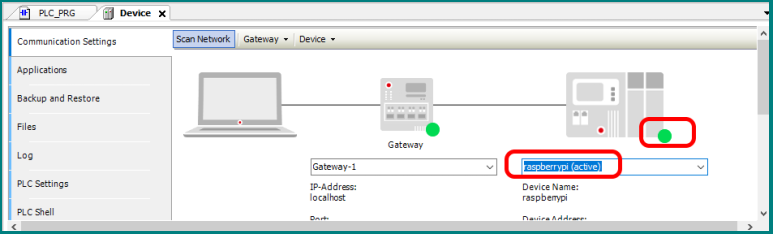
1. Connect ComfilePi


2. Build
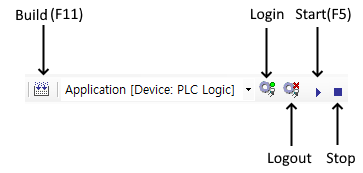

Make sure there are no errors.

3. Login (Deploy).

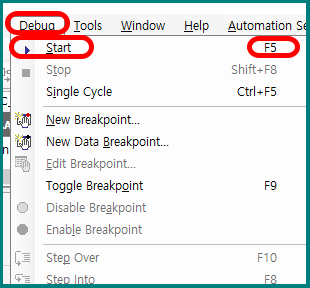
4. Start
5. On the panel PC, open the visualization in a web browser by navigating to the URL https://localhost:8080/webvisu.htm. The visualization can also be opened on your workstation PC by navigating to https://ip_address_of_panel_pc:8080/webvisu.htm in the workstation PC's web browser.
Watch the whole process in a video.
The wiring diagram is shown below.

