
comfilepi:install_netbeans
Table of Contents
Install and Configure the NetBeans IDE
Download the Installer
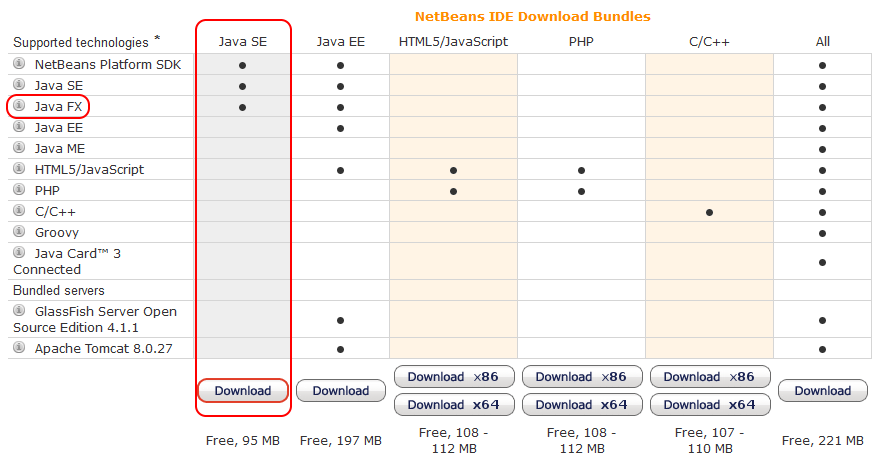
Download the Java SE NetBeans IDE bundle from https://netbeans.org/downloads/
Run the Installer
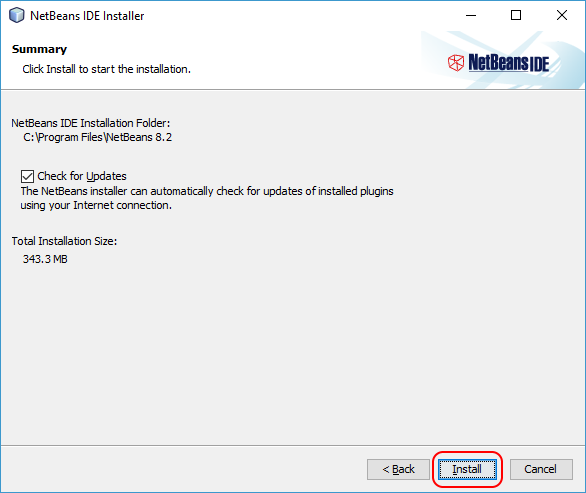
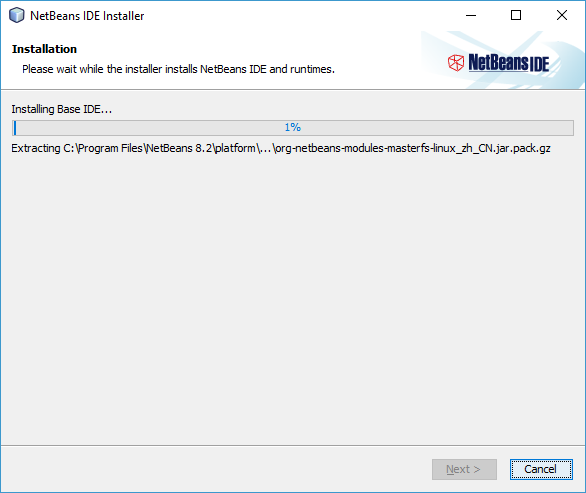
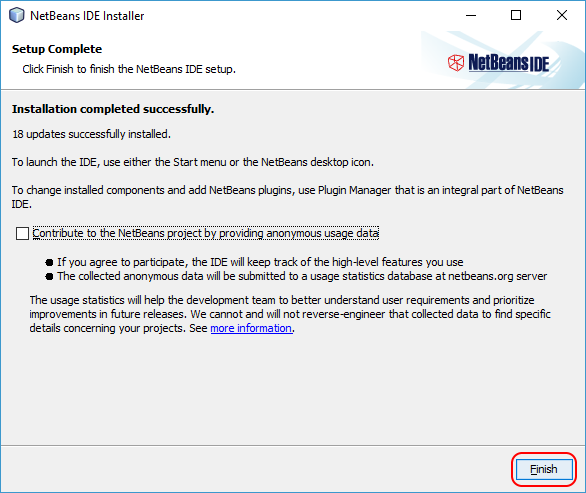
Run the downloaded installer to install the NetBeans IDE
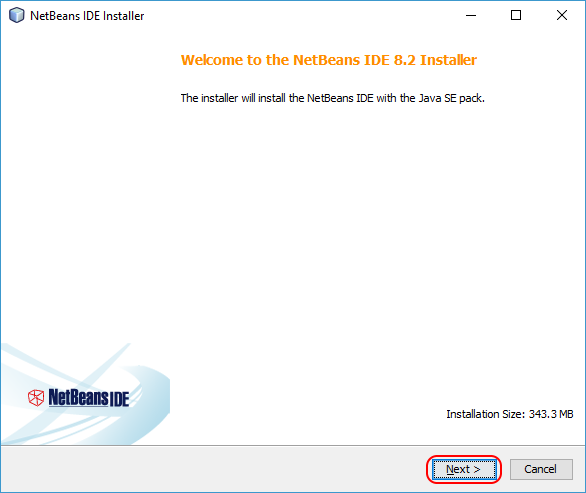 | 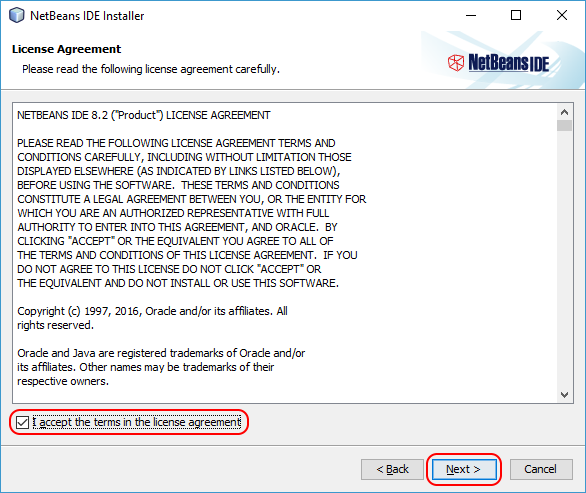 |
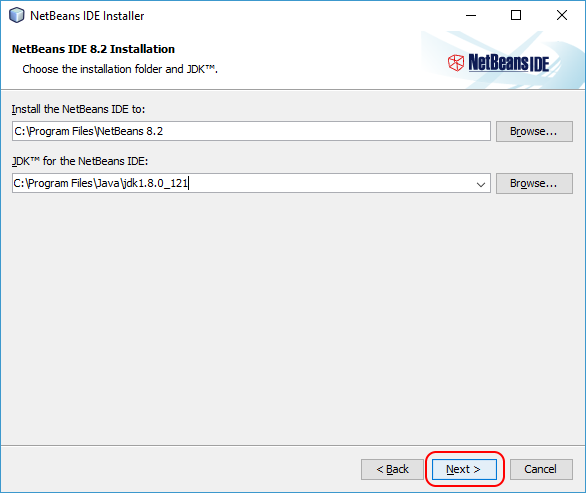 |  |
 |  |
Configure the ComfilePi Java Platform
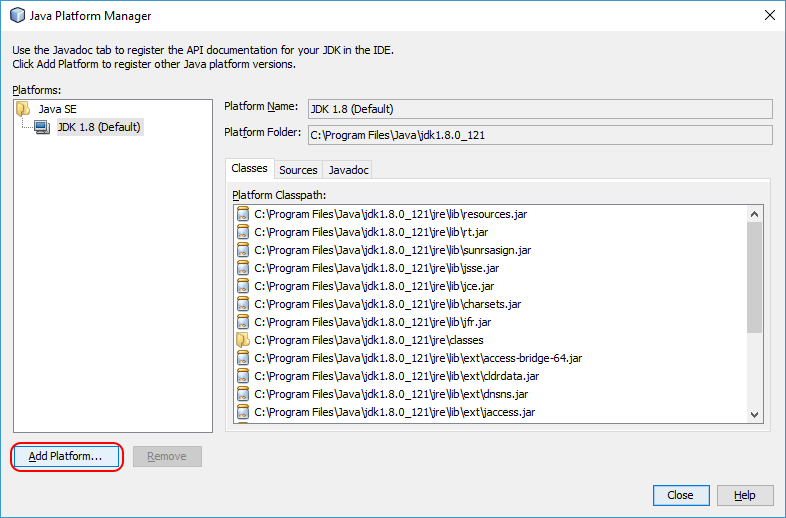
- Open NetBeans and go to Tools–>Java Platforms.
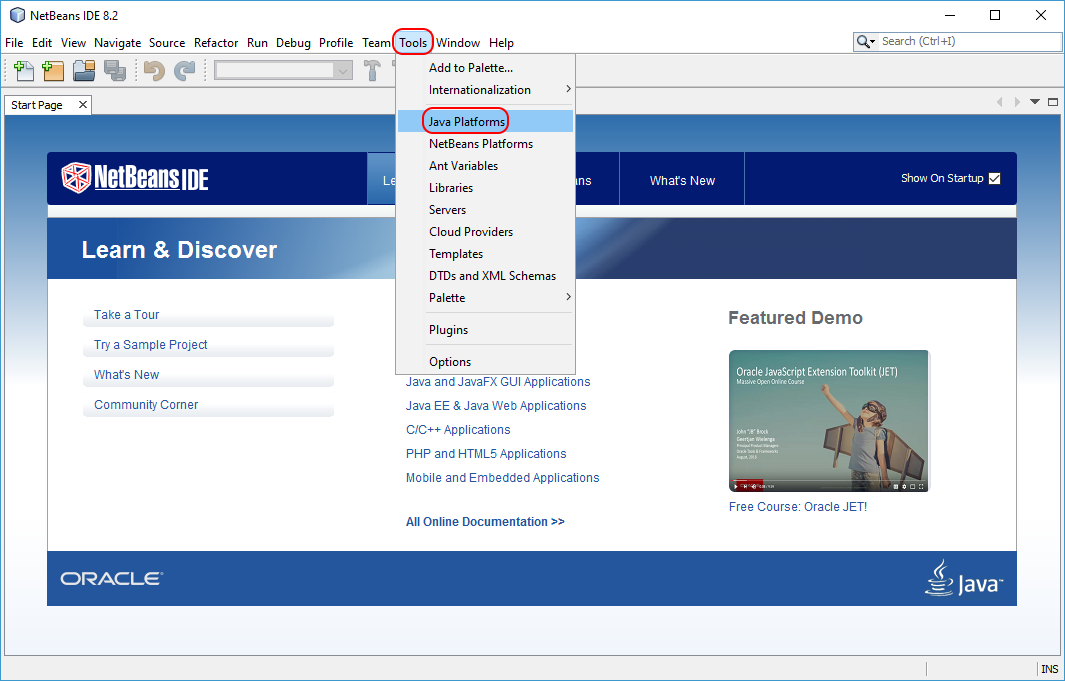
- Press the Add Platform… button.
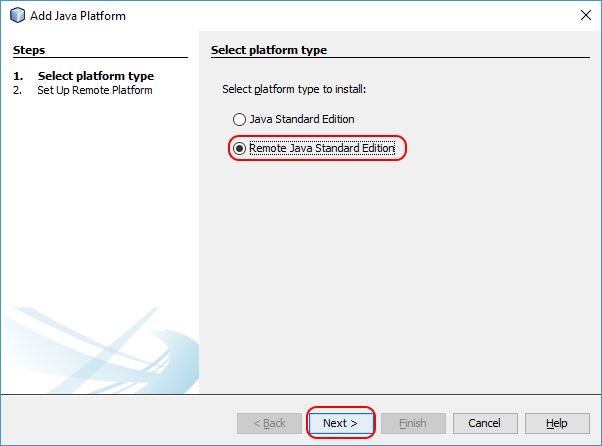
- Select the Remote Java Standard Edition option and press the Next button.
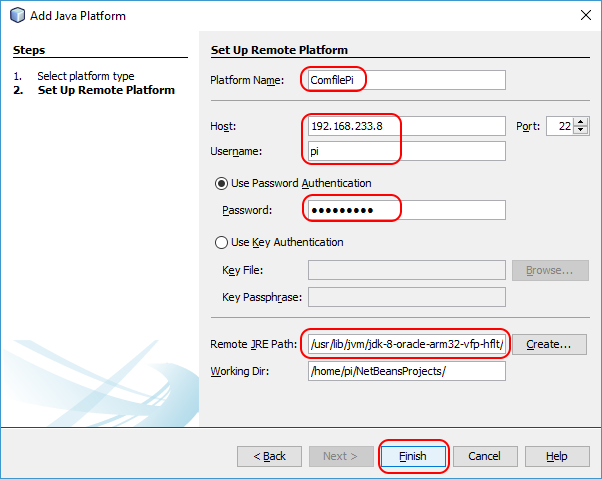
- Give the platform a meaningful name, enter the IP address and user credentials of the ComfilePi, and set the Remote JRE Path to
/usr/lib/jvm/jdk-8-oracle-arm32-vfp-hflt/. Then press the Finish button.
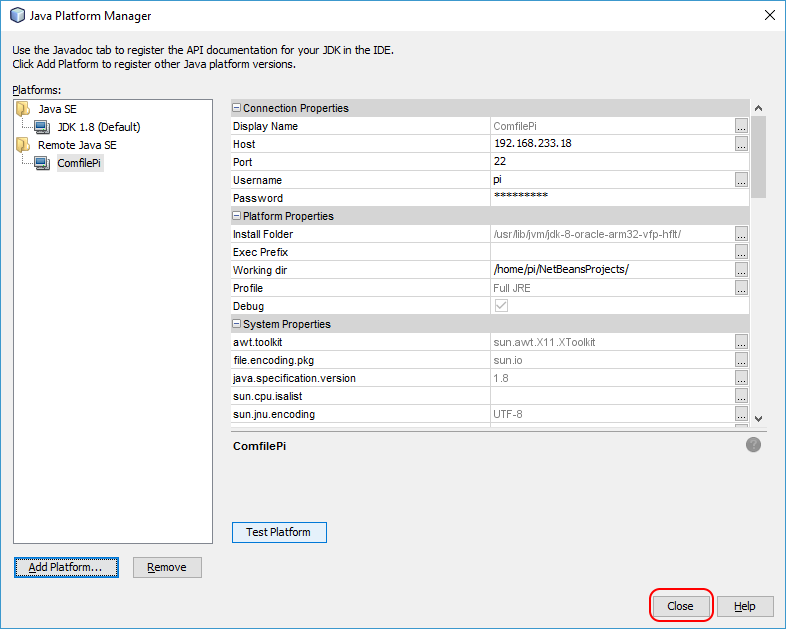
- Press the Close button to finish.
comfilepi/install_netbeans.txt · Last modified: by 127.0.0.1