
Table of Contents
jProgress
The jProgress control is analogous the .Net Compact Framework's ProgressBar, but has a much more rich appearance, and a few additional features.
CornerRadii Property
The CornerRadii property sets the shape of the 4 corners of progress bar when the Shape Property is Rectangular. Each corner can be set independently.
Orientation Property
 |  |
 |  |
Minimum Property
The Minimum property sets the lower bound of the Value property.
Maximum Property
The Maximum property sets the upper bound of the Value property.
Shape Property
The Shape property can be used to select the overall shape of the control: Rectangular or Round
 |  |
 |  |
Bar Property
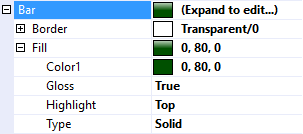
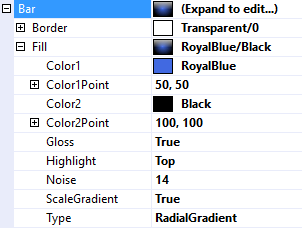
The Bar property is used to customize the appearance of the part of the control that indicates progress. It uses the same features described in Fills, Strokes, and Borders and Highlights and Gloss.
 |  |
 |  |
Track Property
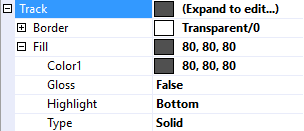
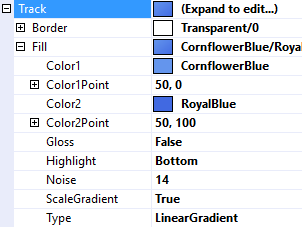
The Track property is used to customize the appearance of the track that the bar travels along. It uses the same features described in Fills, Strokes, and Borders and Highlights and Gloss.
 |  |
 |  |
Text Property
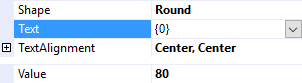
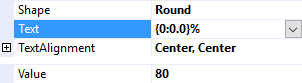
The Text property is a .Net format string that specifies the text to display on the control. The only argument, {0}, is the value of the Value Property.
 |  |
 |  |
Text Features
jProgress employs the same text features used by many of the other controls in the jControls CF35 library including ForeColor, TextOffset, TextAlignment, and TextWrap. See Text Features for more information.
Value Property
The Value property gets or sets the length progress bar. An exception will be thrown if attempting to set it outside of the range specified by the Minimum property and the Maximum property.
ValueChanged Event
The ValueChanged event fires any time the Value property changes.